What is a layout in an online store?


The layout of an online store refers to the way all elements of the website are organized and arranged, which influences how users perceive the store’s offerings and navigate through it. It encompasses both the visual structure and the logical arrangement of content, products, and features. In practice, the layout is an invisible mechanism that guides the user’s attention and leads them through the entire purchasing process.
Although it is often equated solely with design, layout is not merely a matter of aesthetics. It is a business tool that determines sales effectiveness, conversion rates, and whether the store is perceived as professional and trustworthy. Even the best offer loses its impact if it’s presented in a cluttered or chaotic page layout.
Today, an online store is much more than just an online product catalog—it’s a complex system in which technology, sales, and user experience must work together for the investment to make sense. We’ve written about this on our blog; check out the post if you want to better understand how online stores work and whether they’re actually worth investing in.
What Role Does Layout Play in an Online Store?
The primary role of layout is to organize information. An online store is an environment with a high density of content: products, prices, descriptions, filters, promotions, and sales messages. Without a well-thought-out structure, users quickly lose their bearings. The layout determines which elements are visible first and which appear only when the user is ready for more detailed information.
From a sales perspective, the layout shortens the path to a purchase decision. The less cognitive effort the user has to expend, the greater the chance they’ll stay on the site longer and make a purchase. The page layout should therefore support the natural decision-making process, rather than forcing the user to analyze the site’s structure.
Layout and User Experience
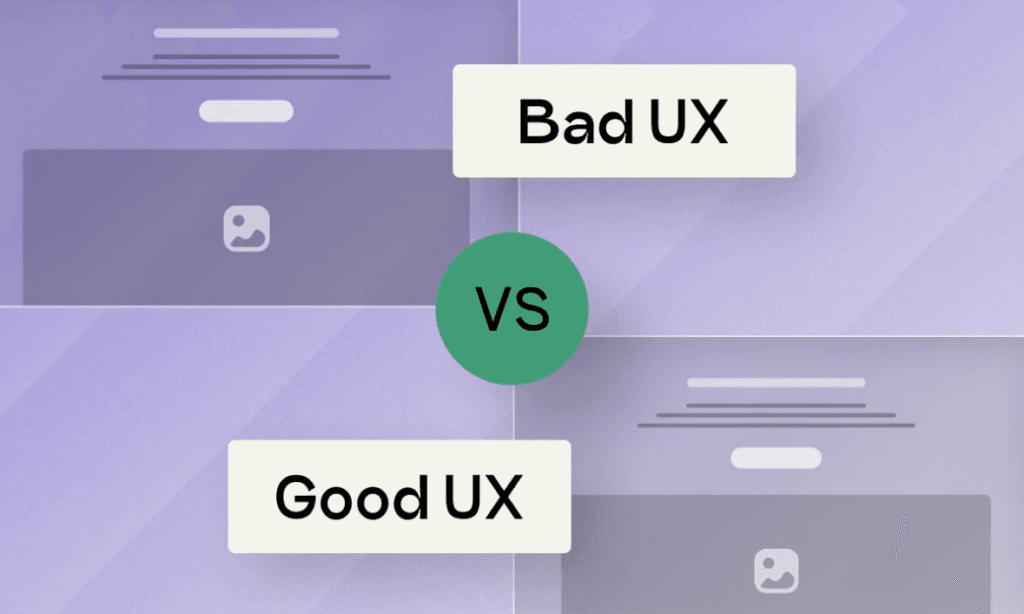
The user experience in an online store depends to a large extent on the layout. It determines whether the site is intuitive, predictable, and user-friendly. A well-designed layout allows the user to almost automatically understand where they are and what options are available to them.
In practice, this means a consistent visual hierarchy, a coherent arrangement of elements, and a logical flow of information. Users shouldn’t have to wonder where the shopping cart is, how to return to the product list, or how to proceed to the next step of the purchase process. If the layout is designed correctly, all these actions are obvious and require no extra effort.
This is precisely why the layout is so important for first impressions. Within a few seconds, users assess whether a store is easy to navigate and trustworthy. During this time, they do not analyze the content but react to the page layout as a whole.
The Importance of Layout for SEO and Store Visibility
The layout of an online store affects not only users but also the way search engines interpret the store. The page structure, content placement, and heading hierarchy help algorithms understand which sections are key and how individual subpages are related to one another.
The page layout also has technical implications. It determines how quickly the page loads, whether elements are visually stable, and whether the user experiences uncontrolled shifts in content. These factors influence the assessment of the page’s quality and, indirectly, its position in search results. In practice, this means that the layout must be designed with SEO in mind as early as the concept stage, rather than only after the store has been launched.
Since we’re on the topic of SEO—which is undergoing a revolution due to the ever-expanding presence of AI—check out our article: SEO in the Age of Artificial Intelligence—What Changes with AIO and AI Mode?
The Most Important Elements of an Online Store’s Layout
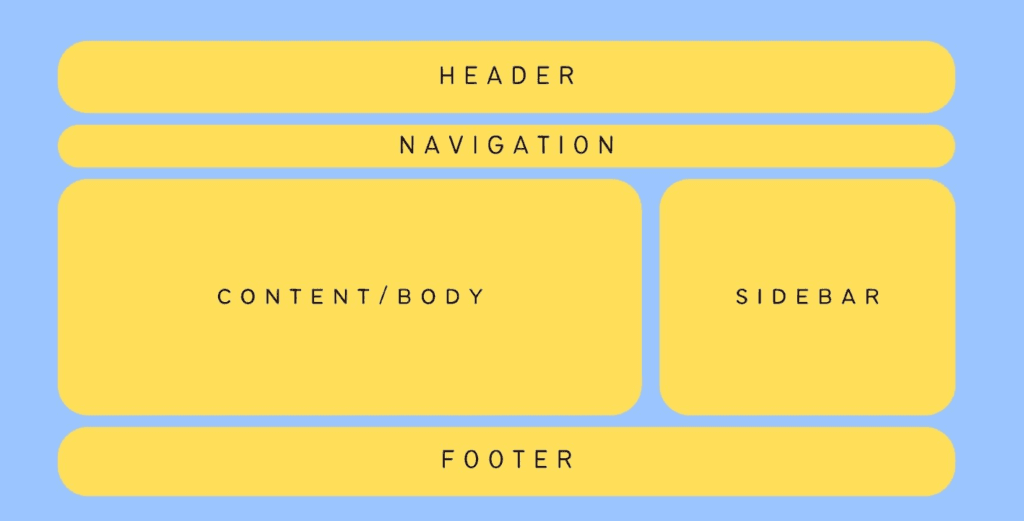
Although each store may differ in its product offering and character, the basic layout elements remain similar. What sets them apart is how they’re arranged and how they relate to one another. Key components of an online store’s layout include:
- the page header, which provides orientation and quick access to the most important features,
- category navigation that organizes the product range,
- category pages and product listings that allow customers to filter their selections,
- the product page as the central sales point,
- the checkout process leading to order completion.
The product page is of the utmost importance, as this is where the purchase decision is made. The layout of this page should highlight key information in the right order and eliminate anything that might distract the user. If the product page layout is unclear, even an attractive price won’t make up for the user’s frustration.
Layout, Conversion, and the Purchasing Process
The store’s layout directly impacts the effectiveness of the purchasing process. Every stage, from browsing the product selection to finalizing the order, depends on how the page layout is designed. A well-planned layout simplifies the process, reduces the number of decisions, and guides the user step by step toward a purchase.
In practice, the layout can support conversion in several ways:
- by limiting the number of distracting elements at key stages,
- highlighting the most important information at the right moment,
- shortening the path from the product to the shopping cart,
- by building a sense of security and predictability.
Layout errors often manifest as a high shopping cart abandonment rate. Users abandon their carts not because they don’t want to buy the product, but because the purchasing process is too complicated or unclear.
Layout in the Context of Mobile Devices
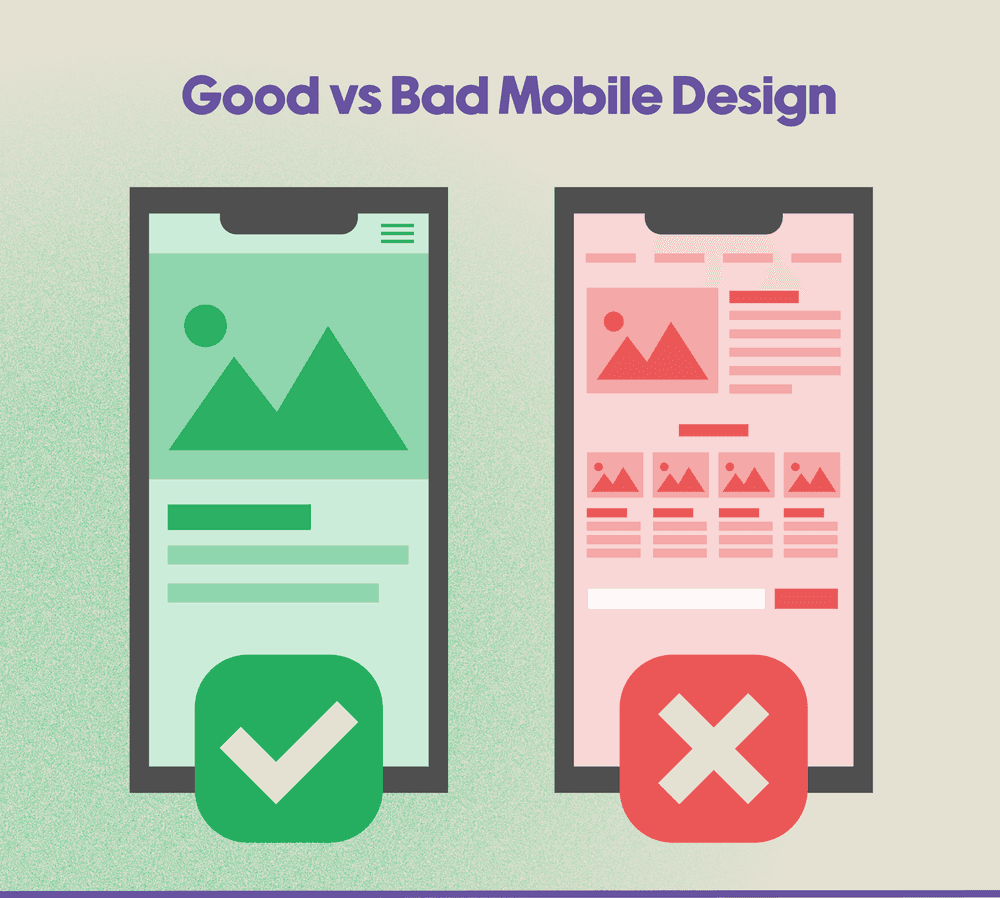
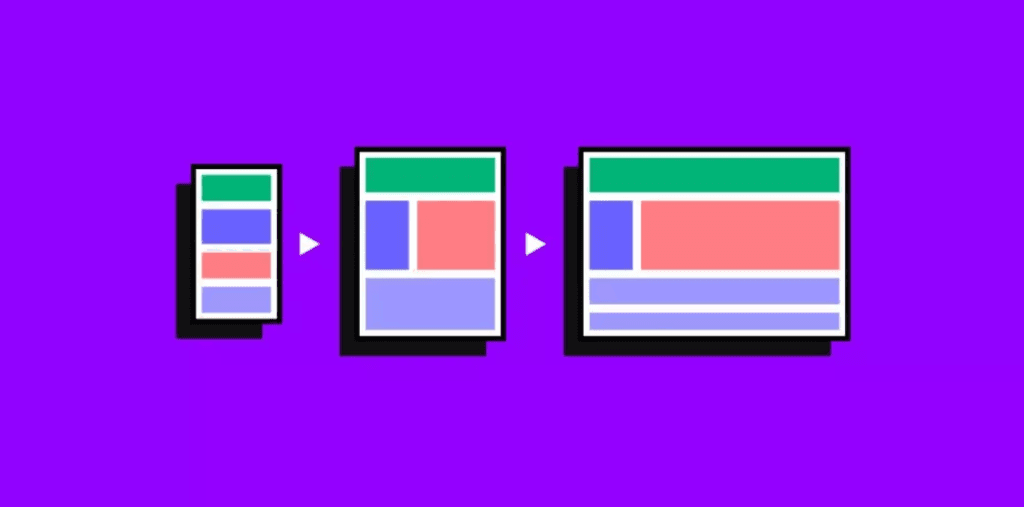
Designing an online store layout without considering mobile devices is a serious strategic mistake today. An increasing share of traffic and transactions comes from smartphones, where users interact with the site under conditions that are completely different from those on a computer.
Mobile layout demands selectivity. A small screen cannot accommodate all the elements found on the desktop version, so it is essential to set priorities. The most important information and actions must be immediately accessible, without the need to scroll or zoom in. If the mobile layout fails to meet these requirements, users will leave the store very quickly.
FAQ – Frequently Asked Questions About Store Layout
How does a store’s layout differ from its design?
A store’s layout refers to the structure and arrangement of elements, while design primarily concerns the visual aspects, such as colors, typography, and graphic style. In practice, design is responsible for appearance, and layout for functionality. An online store may be visually appealing, but if the layout is confusing, users will have difficulty navigating the site and completing a purchase.
Does layout affect sales in an online store?
Yes, layout has a direct impact on sales. The page layout determines how quickly a user can find a product, whether they understand the offer, and how easily they can complete the purchase process. A cluttered layout increases the risk of cart abandonment, while a well-designed layout shortens the purchase path and supports decision-making.
Can changing the layout improve the store’s SEO?
Changing the layout can positively impact SEO, provided it’s done thoughtfully. A better heading structure, logical content organization, improved internal linking, and optimized page load speed help search engines better understand the store’s content. In practice, the layout supports SEO not through its appearance alone, but by organizing information and improving the user experience.
What layout elements are most important in an online store?
The most important layout elements are those that directly influence the user’s navigation and purchasing decisions. Key elements include the header with navigation, category structure, product listings, and the product detail page. The product detail page, in particular, should be designed so that the most important information is visible immediately, without the need for extensive scrolling.
Should the store’s layout be different on mobile devices?
The store layout should be designed using a mobile-first approach, which means the mobile version takes priority. On smartphones, users have less screen space and a shorter attention span, so the layout must be more selective. The most important elements—such as price, the “Buy” button, and basic product information—should be visible immediately upon entering the page.
How often should you analyze and optimize your store’s layout?
A store’s layout isn’t something you design once and forget about. It’s worth analyzing its effectiveness regularly, especially when conversion rates drop, bounce rates rise, or user behavior changes. Layout optimization should be a process based on data, testing, and observation of real shopping paths.
Does every store need a custom layout?
There is no single universal layout that works for every store. The page layout should be tailored to the type of offering, the number of products, the target audience, and the business objective. A different layout will work for a store with just a few premium products than for a large-scale e-commerce site with hundreds of categories. The key is to tailor the structure to users’ actual needs.
Summary
An online store’s layout is one of the most important factors influencing sales effectiveness, search engine visibility, and brand perception. A well-designed layout organizes content, guides users through the product offerings, and supports them in making purchasing decisions.
Thinking about layout solely in visual terms is a major oversimplification. In reality, it is a strategic tool that combines UX, SEO, and business objectives. An online store that thoughtfully designs its layout gains not only an aesthetic advantage but, above all, a functional and sales advantage.
You can read more articles like this and others on our blog. We invite you to check it out!


